


Beginner’s Guide to Keyword Research Using Free Tools
What is Keyword Research?
Before you write a single blog post, there is one question worth answering ,”what are people actually typing into Google?”
That is what keyword research is. You find the words and phrases your audience searches for, then build your content covering them. Skipping it means you are just guessing! You might write a brilliant article that nobody ever finds, because it was titled something no one searches for. So keyword research is equally important.
The good news is you do not need a paid tool to start. Here is how to do keyword research using some free tools.
But first,you should know “What is a Keyword?”
A keyword is a word or phrase someone types into a search engine like google.
Marketers usually split them into two groups:
- Short-tail keywords : These are broad, like “shoes” or “digital marketing.” Which means lots of people search them, but competition is huge and the searcher’s intent is low.
- Long-tail keywords : These are specific, like “digital marketing course in Pune for beginners.” Fewer people search them, but these people are those who do know exactly what they want.
As a beginner , you will be surprised to know the numbers.When researched from a Database, queries with fewer than 10 monthly searches make up almost 93% of all keywords. The head keyword “meditation” gets about 211,000 searches in a month, while “can meditation make you smarter” gets about 50 searches.
You might think that you should ignore the small numbered results right? But, It is actually the opposite. Those 50 searchers are far more specific, and very few websites are fighting for them. For a new blog, this is where you should target.
Understanding Search Intent:
A keyword points to what someone hopes to find. Before choosing one, consider what they’re looking for. There are four common types of keywords:
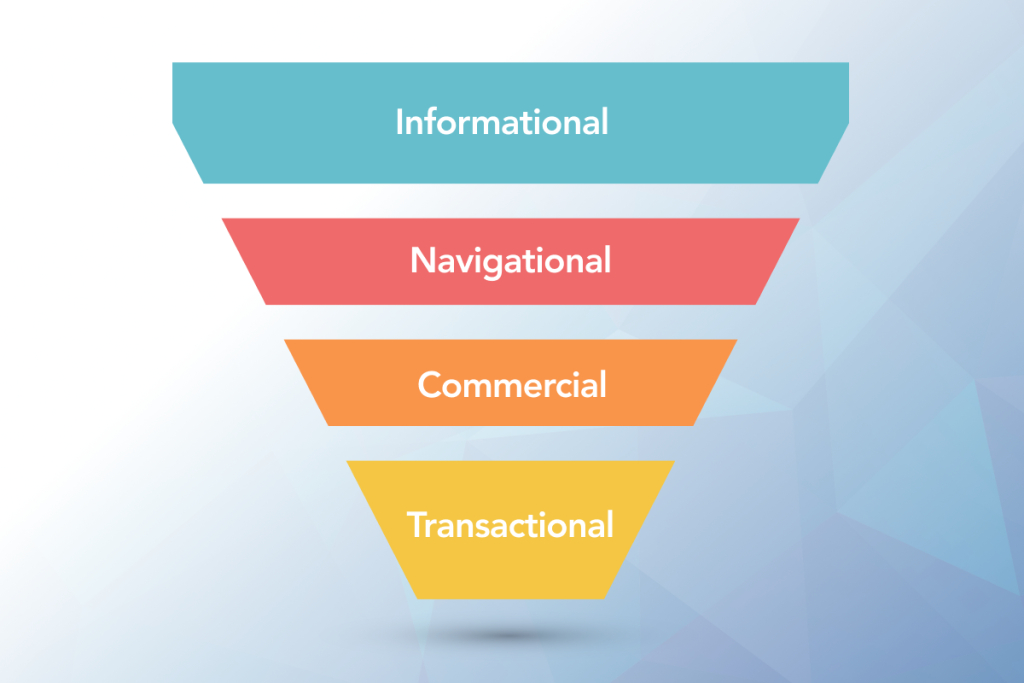
- Informational. When a person wants to learn something (“what is keyword research”).
- Navigational. When a person wants a particular site (“Google Search Console login”).
- Commercial. When a person want to compare options (“best free SEO tools”).
- Transactional. When a person is ready to act (“buy domain name”).
This matters more than most beginners realize. If someone searches “how to do keyword research” and your page is a sales pitch for a course, they are more likely to leave. Match the format to your intent , which you want to show or sell. The easiest way is to google your keyword and look at what already ranks. If the top results are all step-by-step guides, write a step-by-step guide,because as again said, these are important.
The free tools worth learning:
You can build a relevant keyword list without spending anything. Here are some tools which might help:
1. Google Autocomplete
In google autocomplete you have to start typing a phrase into Google and watch what it suggests. These suggestions come from real searches done worldwide, so they are a good source for long-tail ideas.
2. People Also Ask and Related Searches
When you scroll through the results page, The “People also ask” box and the “Related searches” at the bottom show you the questions and phrases which people connect to your topic. Each question can become a heading in your blog, which also helps your content get picked up in the results at different sites.
3. Google Trends
Trends doesn’t give exact search numbers. It shows relative interest on a scale of 0 to 100, which makes it ideal for comparing two ideas. Set the region to India or any other country you want to target and you can see whether “SEO course” or “digital marketing course” is more popular, whether interest is rising or is seasonal, and when it peaks.
“If I had to give you a personal example, I searched for japanese language course on google trends and I was shocked to see that it is a seasonal demand course, which is also very low. So it kind of helped me decide something of my personal interest.So this one is 100 on 100 recommended if you ask me .”
4. Google Keyword Planner
This is a part of Google Ads and you can use it for free. The catch is that if you aren’t running an active campaign, Google tends to show broad volume ranges instead of exact figures. It’s still useful for finding related ideas and seeing roughly how competitive a term is. So here, treat the numbers as estimates. Third-party tests have found that volume figures from every tool are only approximately accurate, so use them to compare keywords against each other, not as exact truth.
Some other tools are google search console and ubersuggest.
To understand better let us go through a simple step-by-step process:
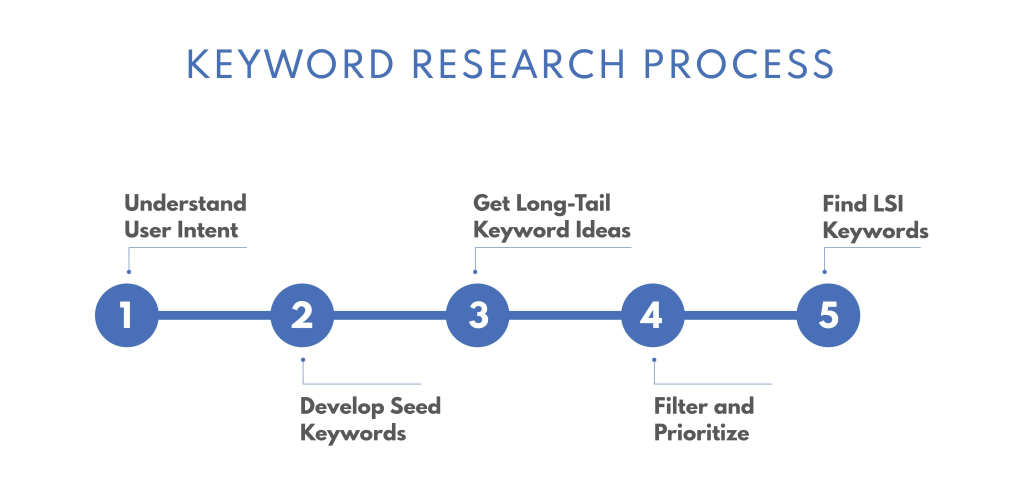
A routine you can follow for any blog post:
Step 1: Pick a broad topic or say Niche. For example, “Digital Marketing.”
Step 2: Collect few ideas and keypoints then use Autocomplete. People Also Ask and Related Searches to build a list of 15 to 20 phrases.
Step 3: Check interest of the people. Put your best ideas into Google Trends to see which are growing and which are fading, which one’s are seasonal.
Step 4: Check volume. Use Keyword Planner to see rough ranges, and favor phrases with modest volume over huge ones.
Step 5: You must check the competition. Google the phrase yourselfand see the results. Are the top results from huge brands, or from small blogs? If small sites are ranking, you might have a chance.
Step 6: Choose one main keyword and a few supporting ones. The main one goes in your title, your first paragraph, your URL and one heading.
What a “good” keyword looks like for a beginner
Do not chase the biggest number. A good starter keyword usually has these traits:
- It’s specific, usually three or more words
- The intent clearly matches what your post delivers
- The search results show smaller sites ranking, not big ones
- You can honestly write something helpful about it , or of your own
There is another reason to go for a specific keyword. Google says that 15% of daily searches have never been searched before. People ask new, odd questions all the time and a detailed article is more likely to match them.So keep that in mind.
Common mistakes beginners make
Chasing only high-volume terms. You might end up competing with established websites and getting nowhere.
Stuffing keywords. Repeating a phrase over and over makes your writing awkward . Use it naturally, where it fits.
Ignoring intent. A perfect keyword on the wrong kind of page still fails.
Doing it once and forgetting. Revisit your keywords every few months, especially using Search Console data.
Treating tool numbers as exact. They’re estimates. Use them to compare, not to predict.
Conclusion
Keyword research isn’t a technical secret which helps you rank. It’s the habit of checkingand searching what people really search for in real time before you start writing. Start with free tools, favor specific phrases over big ones, and always match your content to what the searcher wants and needs.
Do it once and it’ll feel slow. Do it ten times and it becomes automatic practice, and your content will start reaching more people for whom it was written.